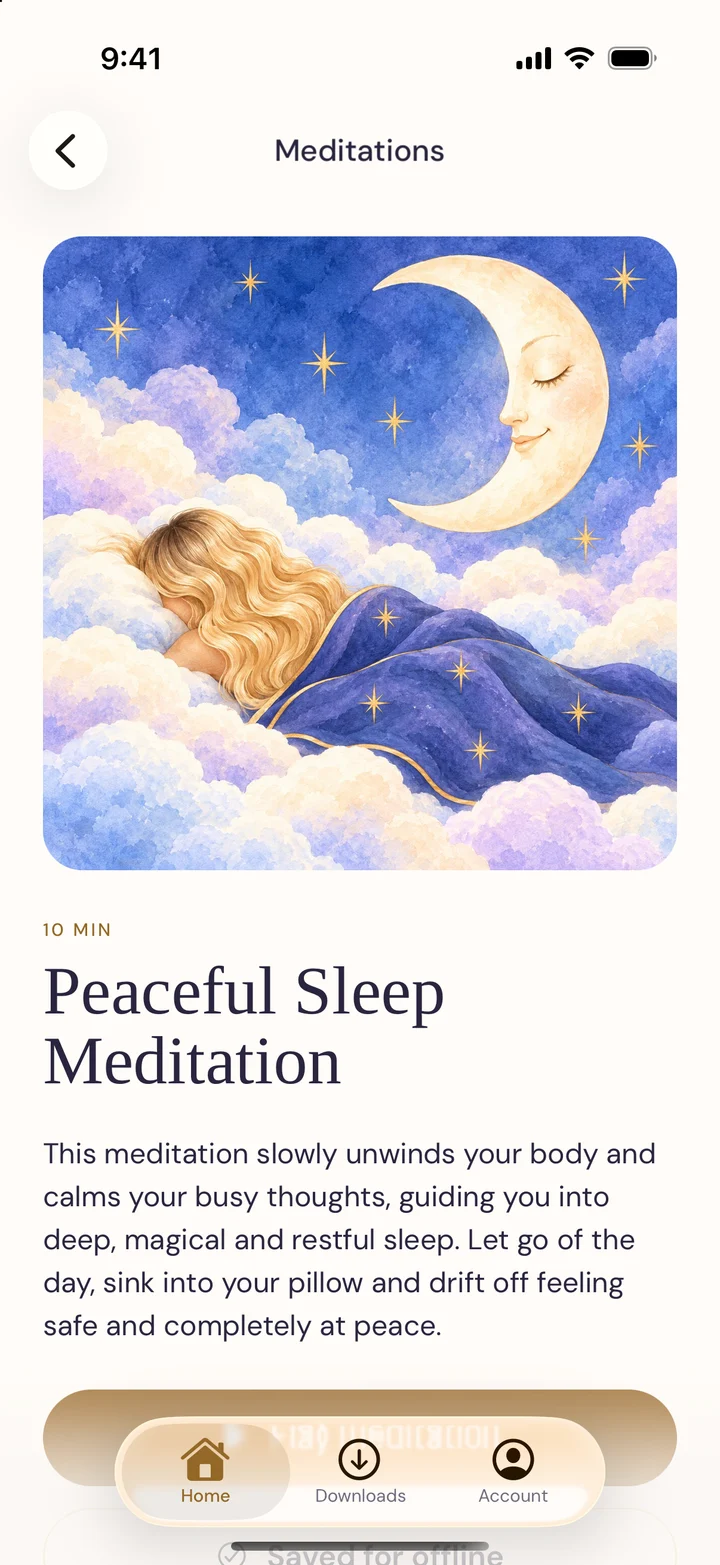
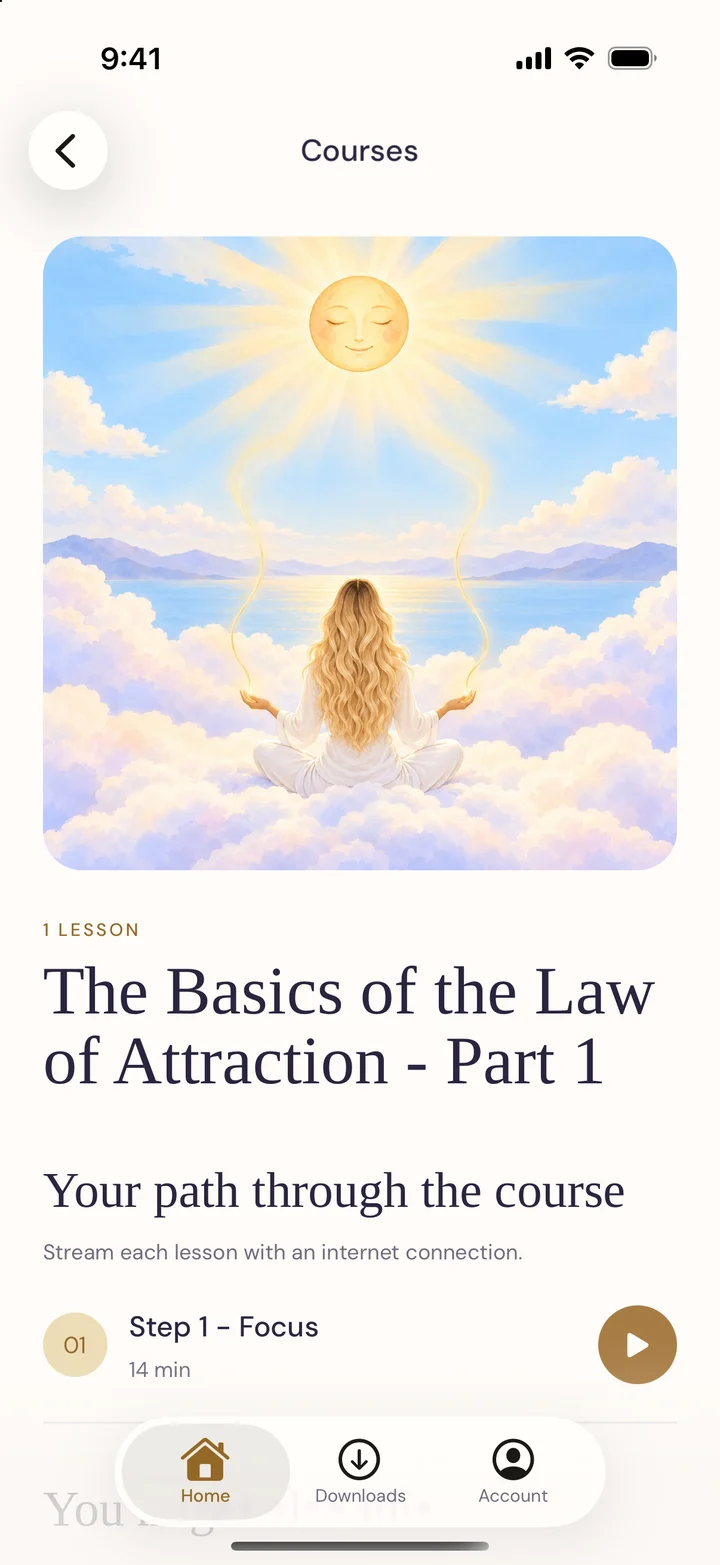
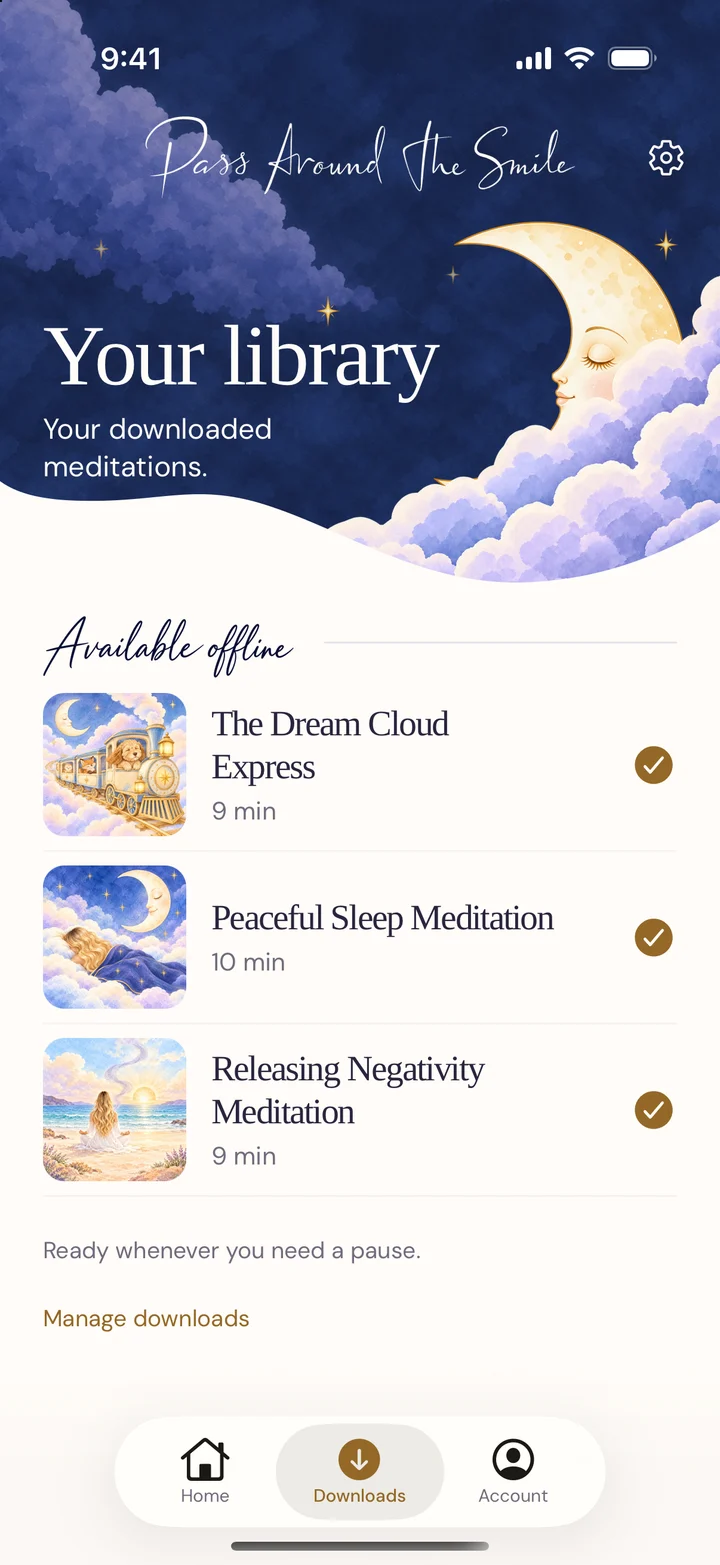
Offline.
Listen on a plane, no signal needed.
Download meditations to listen without a signal. The artwork stays on the phone too, and the app checks before removing one.


App showcase
iPhone and Android
Cleo Massey's meditations, courses and family moments, in a calm app that follows the sun from day into night.
Designed and built by Brave Labs for Cleo Massey.
Out now on iPhone and Android

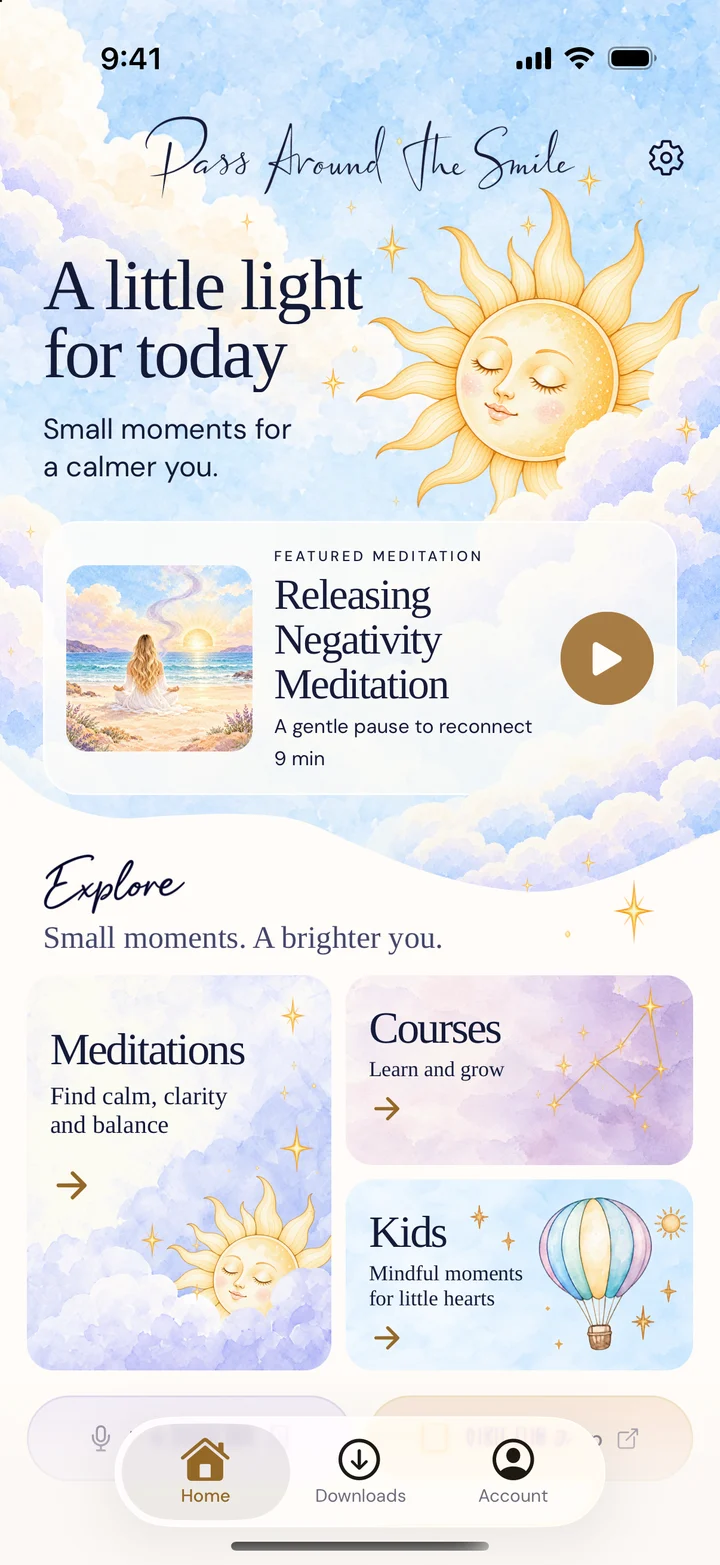
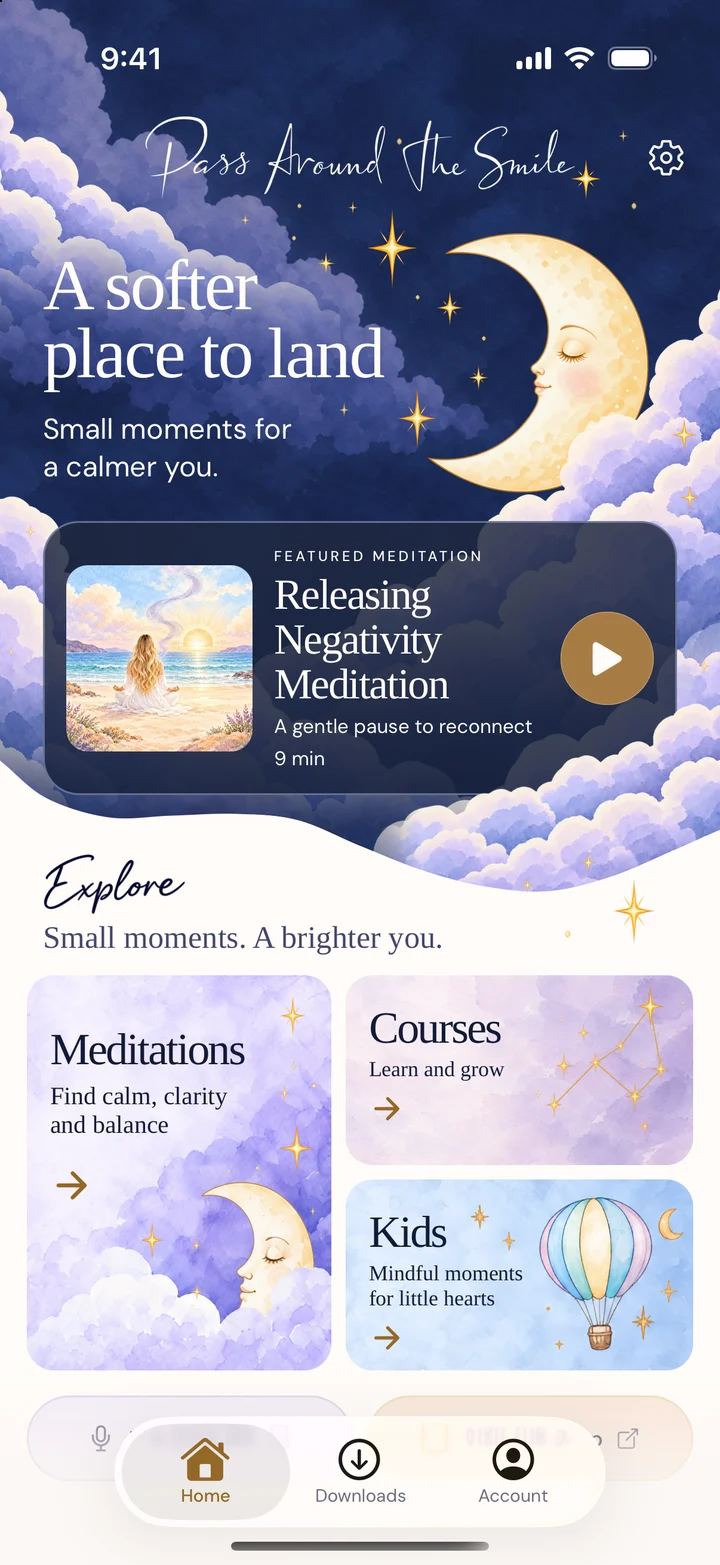
Arrive through the clouds.
Open the app and soft clouds gather over the paper, then part and drift past, nearest first. Home's own sky, sun or moon and stars come forward into place, the wordmark comes into focus and the page appears.
Day and night versions, matched to the sky outside.
A tap skips it. Open the app from a notification or a link and you go straight there.
It steps aside for Reduce Motion and screen reader users.
Every layer runs from one clock on the phone's UI thread, so it stays light on older phones.
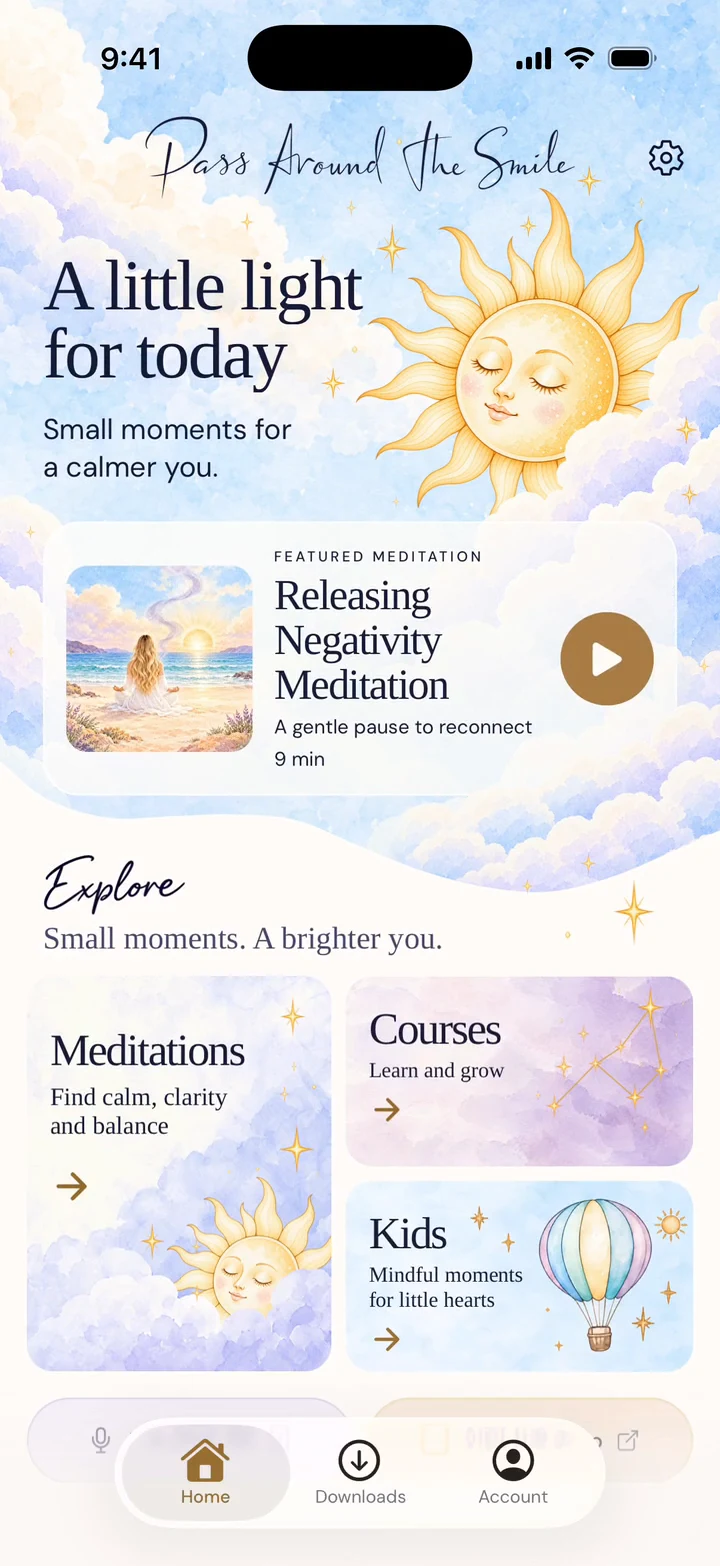
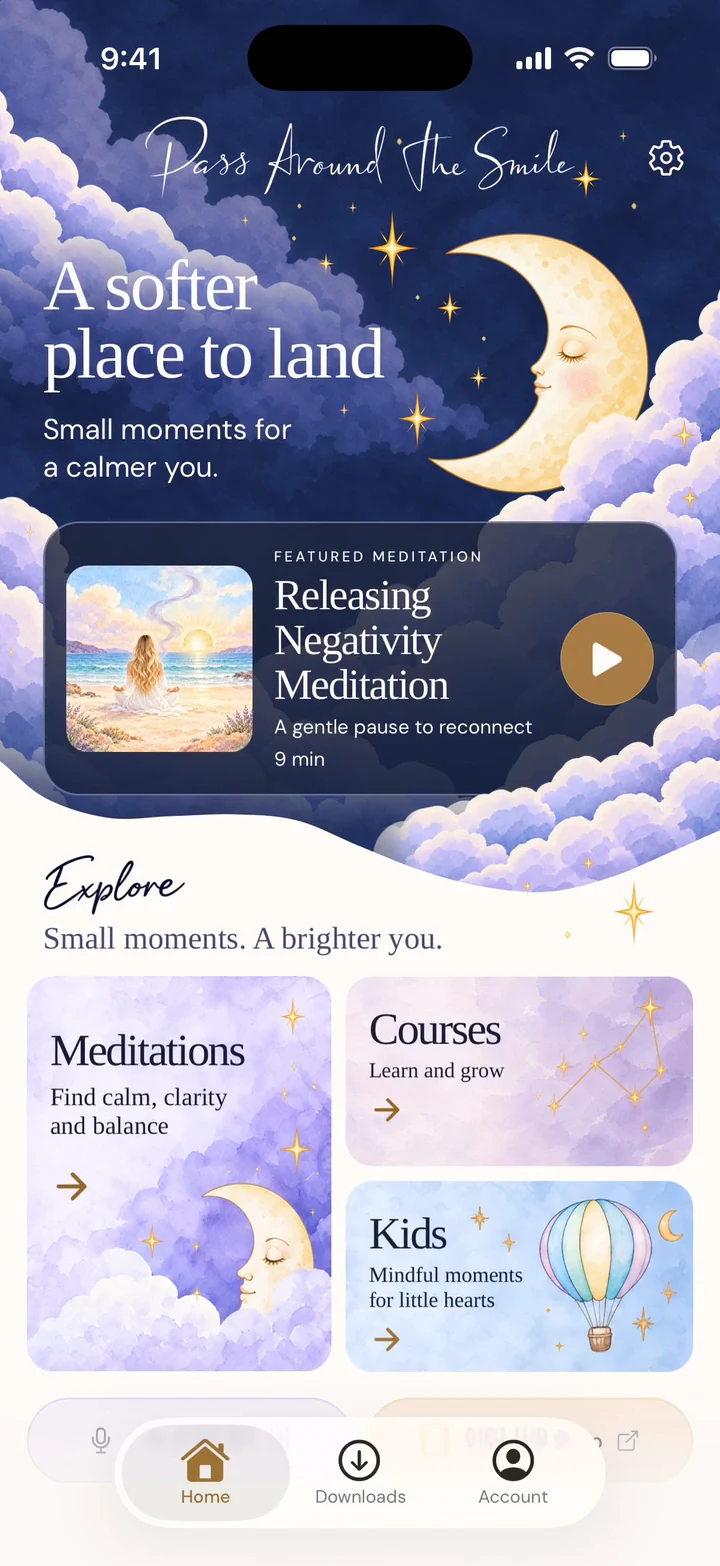
Day turns to night at real dusk.
The app works out civil dawn and dusk for where you are, the moments it starts to feel light and starts to feel dark, from the phone's time zone alone. As dusk comes, the sun sinks along a shallow arc while the moon rises from the other side, and Home's headline hands over line by line.
Try it
“A little light for today.” Home's daytime headline.
“A softer place to land.” Home's night headline.
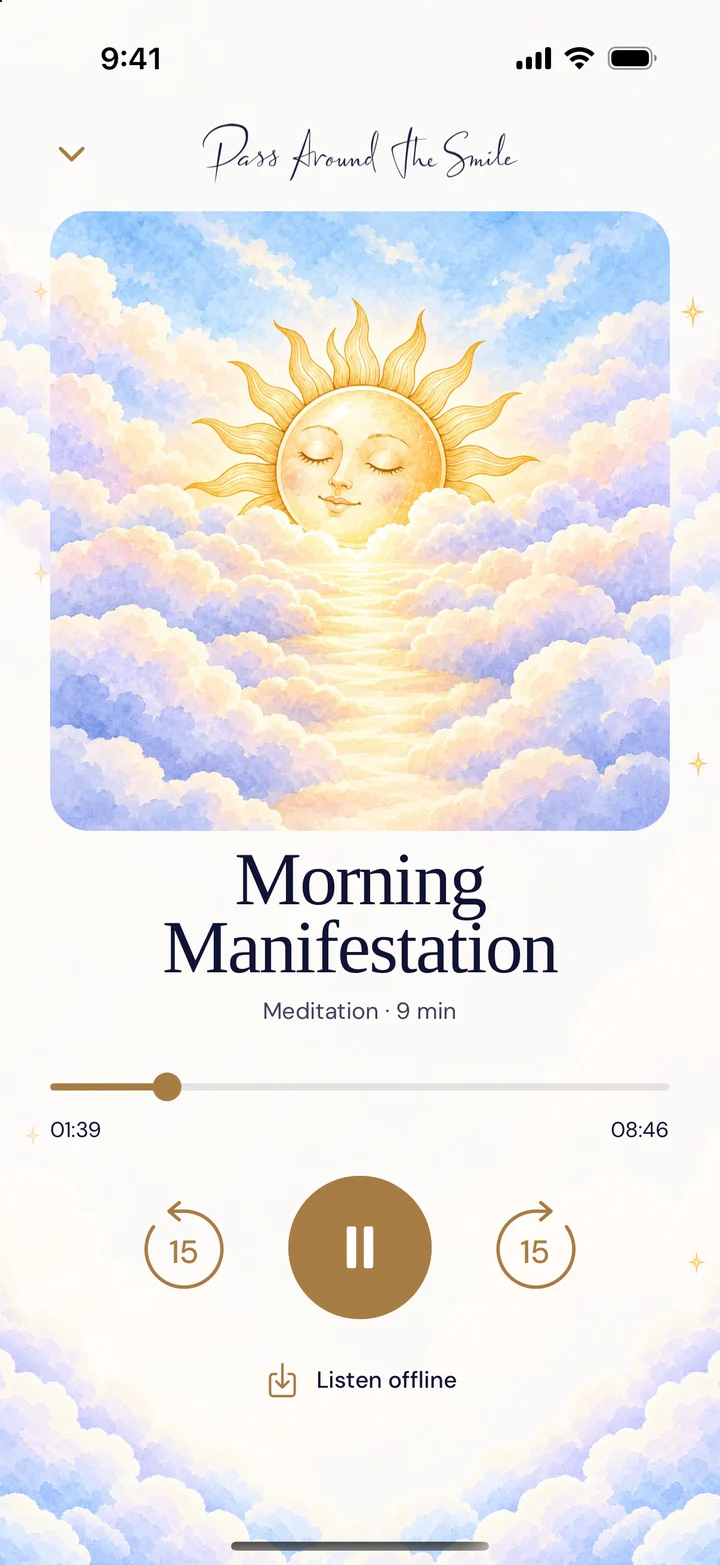
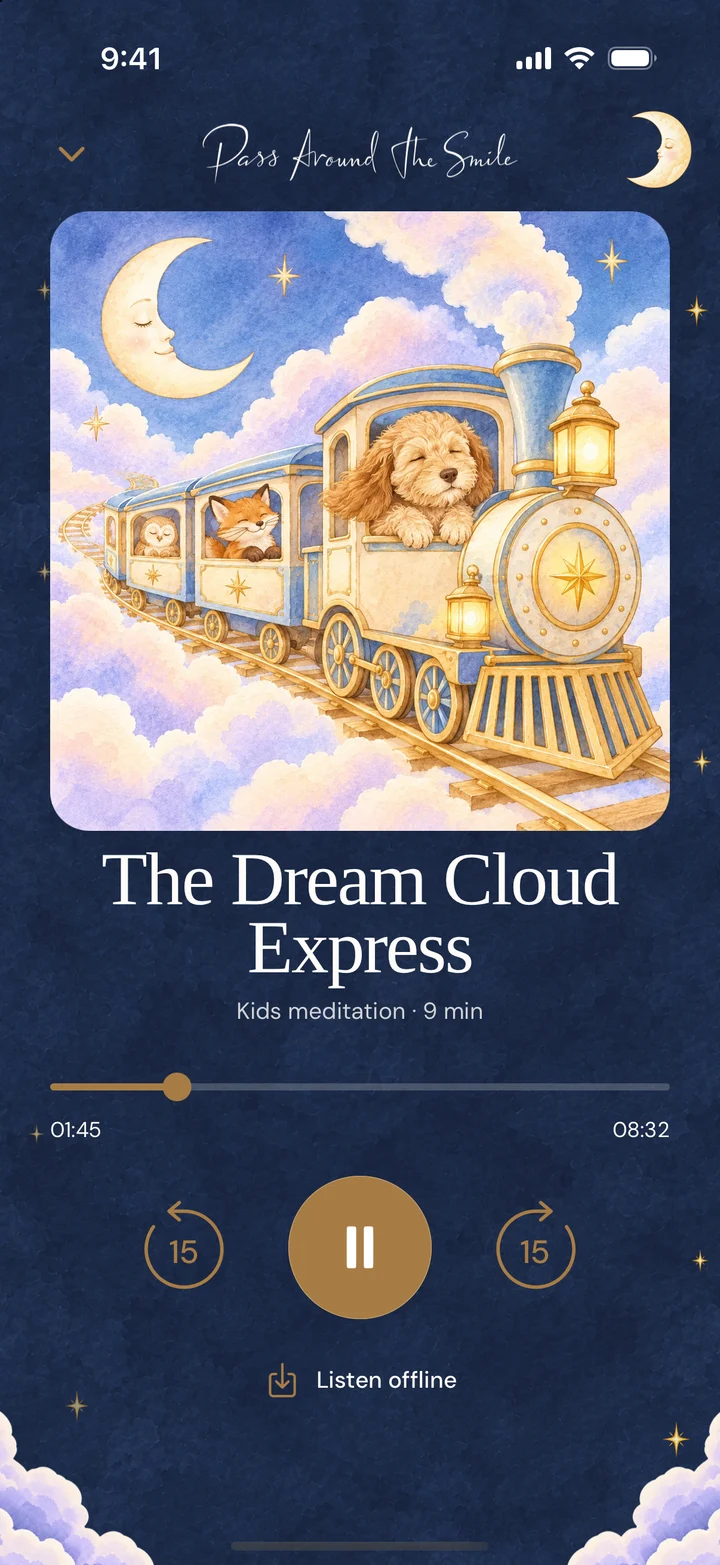
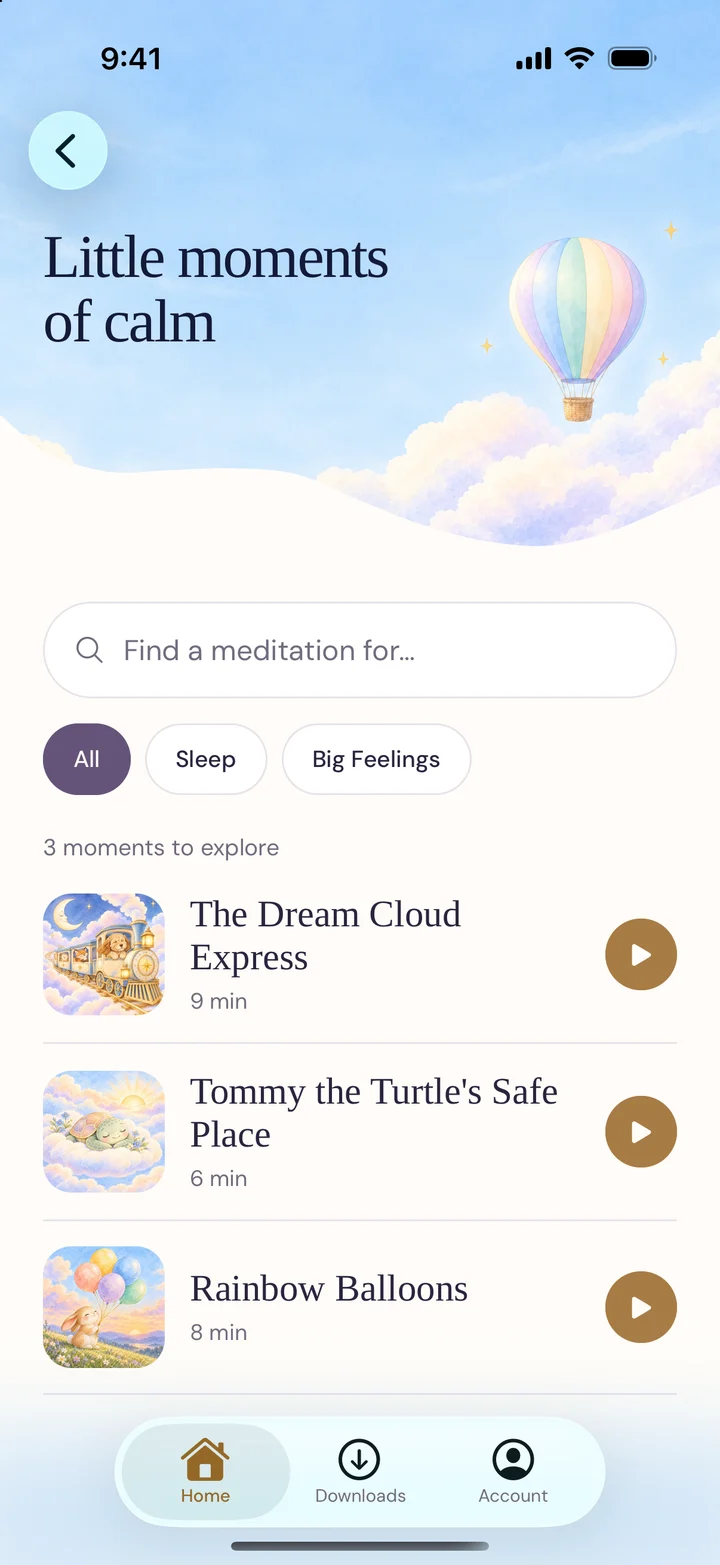
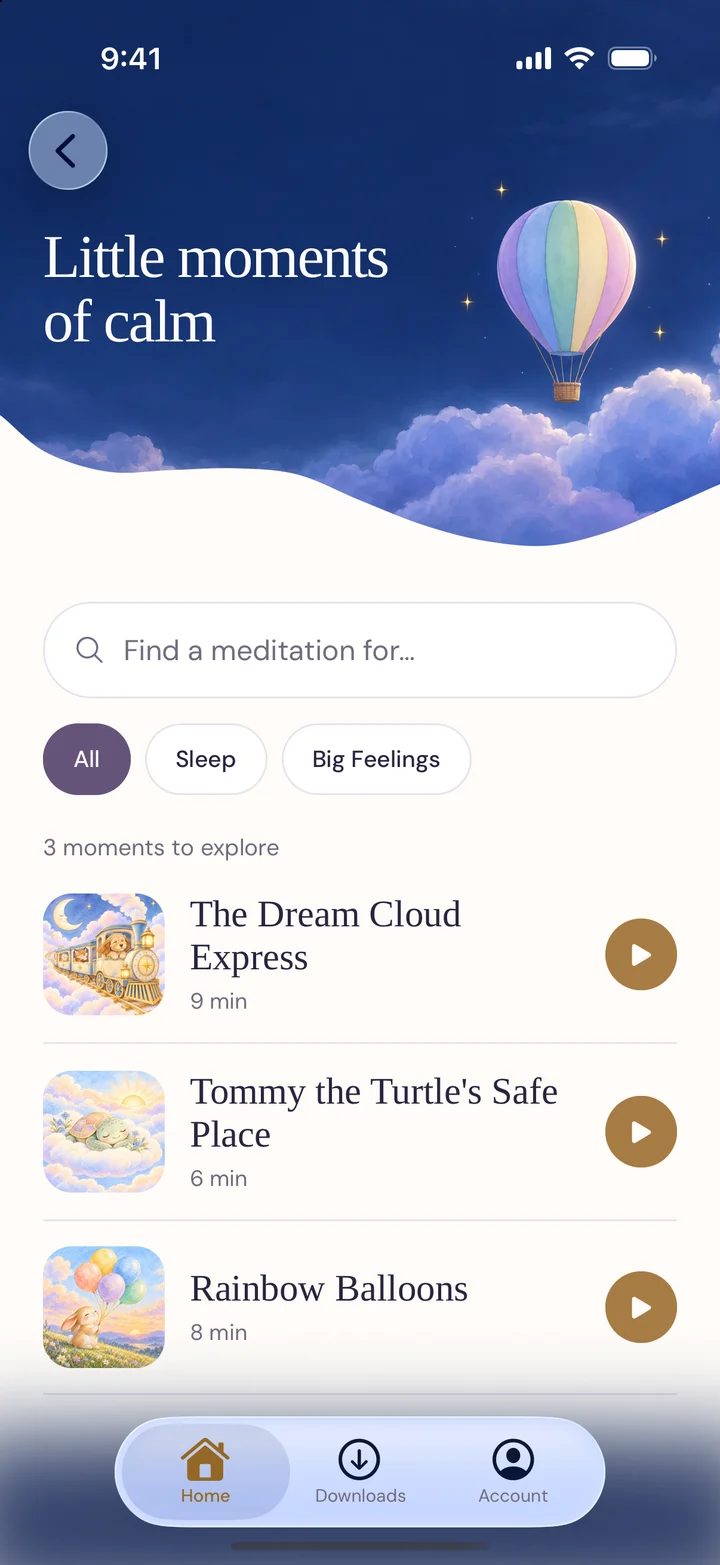
Your choice, too. Prefer one look all day? Choose Day or Night in Account, or match the phone's own light or dark setting.
Built for people who are blind or have low vision, need larger text, or are sensitive to motion.
Large text, screen readers and reduced motion were part of the build from the first screen, then tested on iPhone and Android.
For people with low vision, or anyone who likes bigger words. Dynamic Type on iPhone, font scaling on Android.
Layouts rearrange to make room. At large sizes Explore becomes one column, settings choices stack and featured titles wrap. Checked at large sizes on iPhone and at 200% on Android.
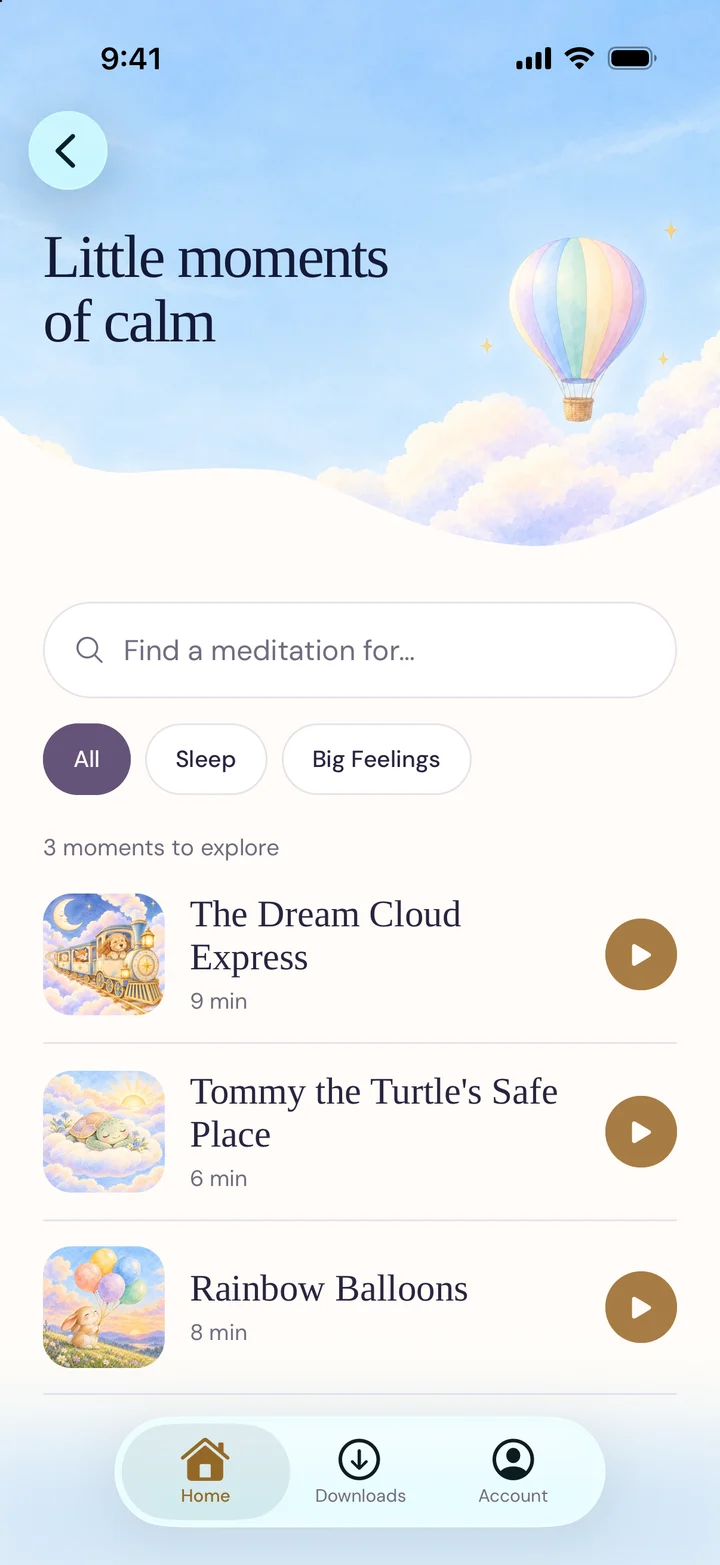
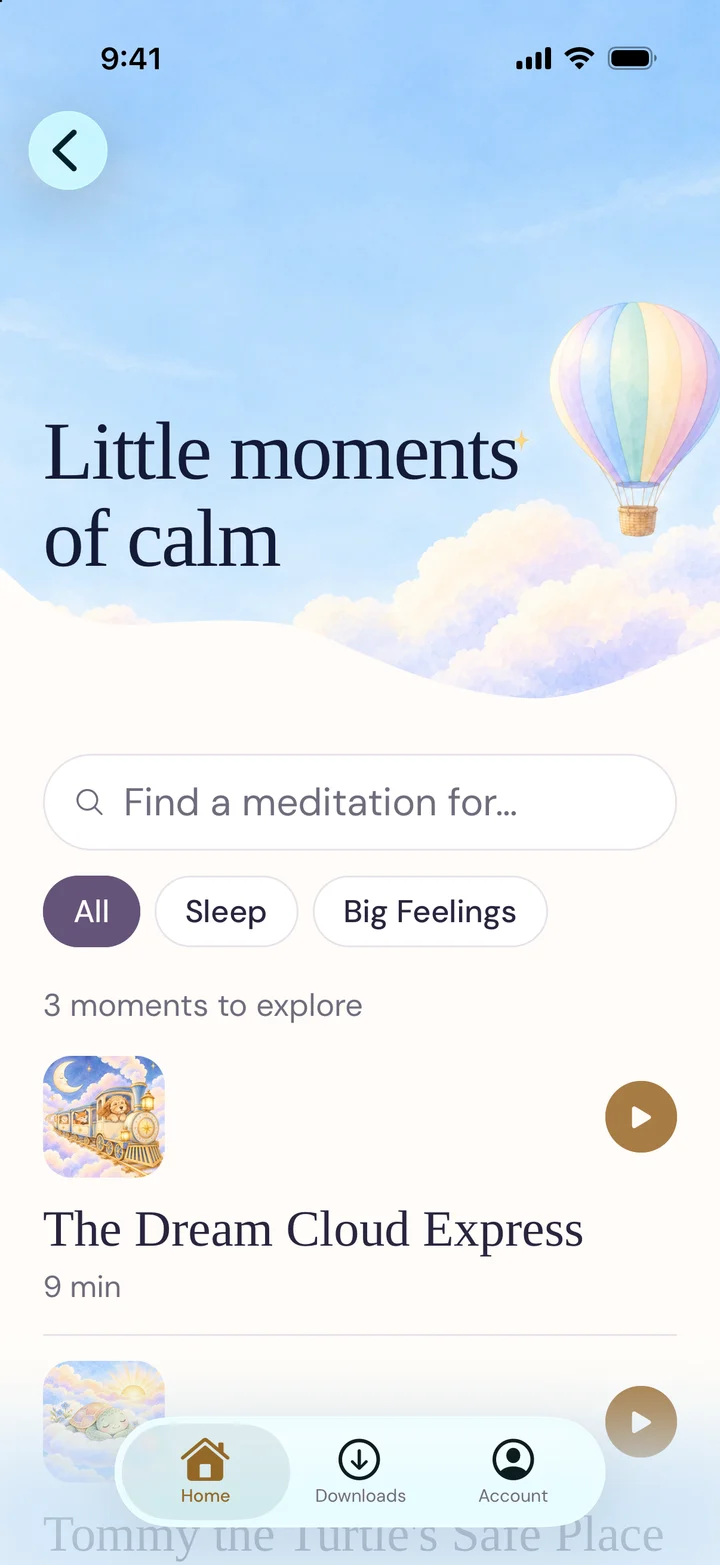
For people who are blind or have low vision, with VoiceOver on iPhone and TalkBack on Android.
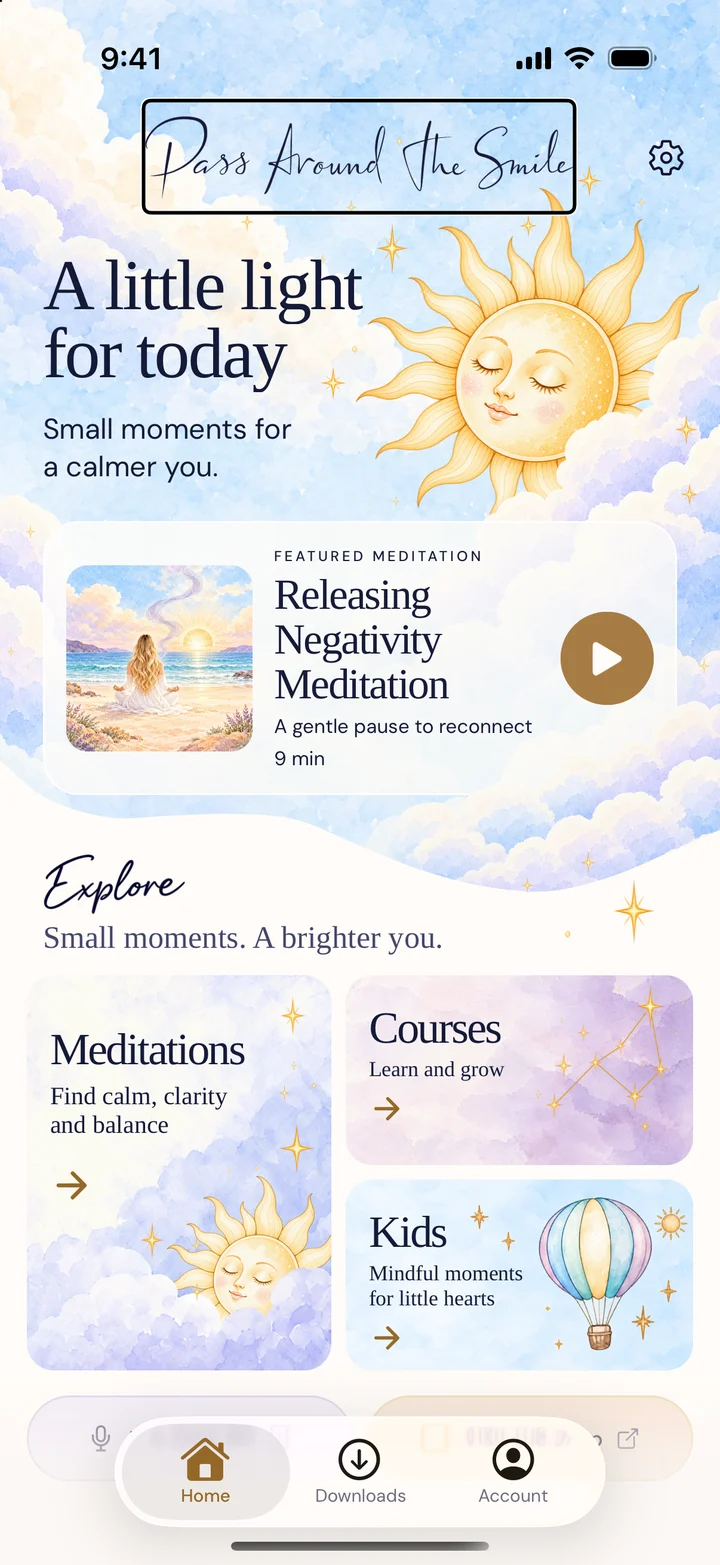
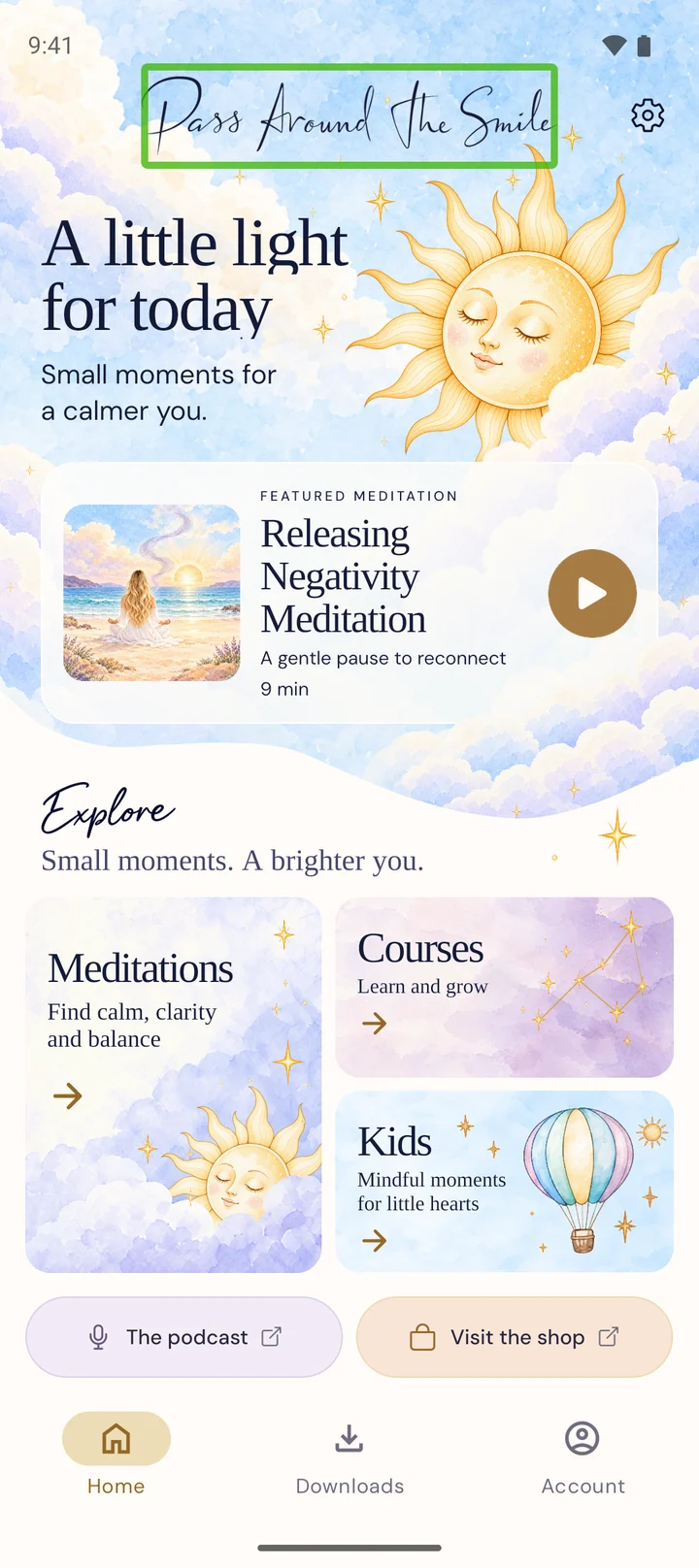
VoiceOver and TalkBack are the screen readers built into iPhone and Android.
Buttons, tabs, choices and the seek bar carry a name, a role and a state, from playing or paused to selected, checked, disabled or busy. Focus returns to whatever opened the player when it closes, a TalkBack seek speaks the new position, and the painted artwork stays out of the way.
For people who feel unwell with on-screen movement.
Turn on Reduce Motion and the clouds stop drifting, day and night change with a simple fade, the player snaps open and closed, and the launch intro steps aside. The slider follows the setting too.
Readable at twilight, for people with low vision.
During the change at dusk, text switches ink the moment its background crosses the contrast line, so nothing lingers grey on grey. Nineteen screens pass Apple's automated audits for contrast, touch targets, descriptions, clipped text and traits.
The details
We planned for the times people reach for the app: on a plane, at bedtime, with the kids, or on one bar of signal.
One membership for both stores.
Monthly or annual, through Apple or Google. One Pass Around the Smile account works on iPhone and Android, and Restore membership is in Account.
A gentle notification when something new arrives.
With notifications on, new meditations and courses arrive with a short message, and new podcast episodes are announced straight from the feed.
No location needed.
Day and night works from the phone's time zone alone. Listening is counted anonymously, and anyone can switch that off in Account.
Handles a dropped signal.
The app shows a clear note when you're offline. Tap Try again once you're back.
Behind the app
Where Cleo's team looks after the whole app.
Meditations, the featured line-up, members, listening and notifications, all run from a browser on a laptop or a phone. Changes go live in the app without an update.
Sample data. These are real Content Studio screens, filled with made-up people, emails and numbers for this page. No real member or listening data is shown.
Every member, trial and payment in one place.
Each person's membership in plain words: on a free trial, paying, cancelled, gifted or ended, with their plan, store, offer code and what happens next. Search by email or code, filter by status, and export a mailing list that follows each person's marketing choice.

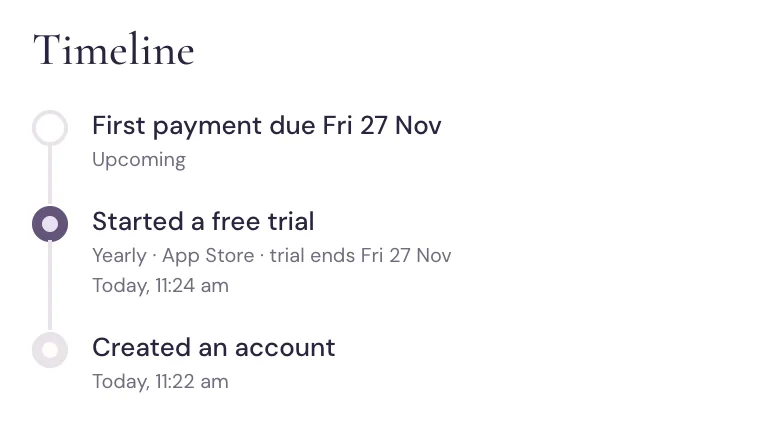
Sample data. No real members are shown.
Watch new trials and payments arrive.
A running feed of the last three days: new accounts, free trials, payments, renewals, cancellations and payments that didn't go through, each with its plan and store. The day's totals sit up top and new arrivals glow.
Sample data. No real members are shown.

A ding for a new trial. A ka-ching for money in.
With the Studio open, each new free trial and each payment arrives as a notification with its own sound, so the team hears good news as it lands. There are four of each to choose from, all made in code.
Turn your sound up and tap to hear them. These are the Studio's own sounds, and the emails are made up.
See what resonates with listeners.
Visits, plays, how far people listen and the hours they listen at, as totals only. Each meditation has its own page showing where listeners drift off, and the paywall steps show how many people go on to start a membership. No number is linked to a person, an account or a phone.
Sample numbers. No real listening data is shown.
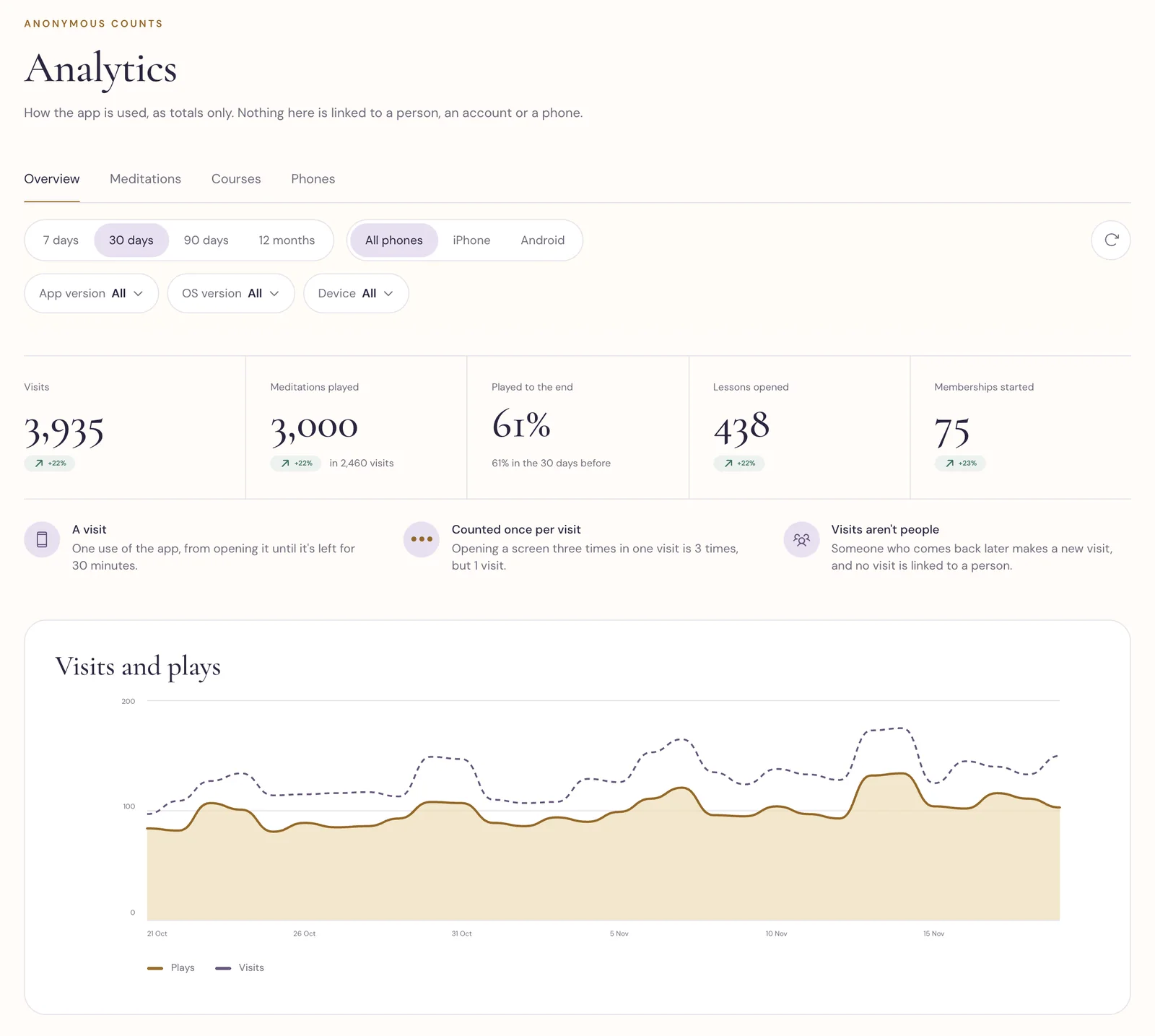


The right meditation at the right moment.
Line up what Home features through the day, in each listener's own time: a morning meditation at 6 am, a walking meditation at 11, a sleep meditation at 7 pm. Special days can feature something of their own.

See it on iPhone and Android before it goes.
Write a short message, link it to a meditation or course, and preview it on both phones by day or night. Every message is reviewed before it sends and tracked after, and new podcast episodes announce themselves.

Publish without an app update.
Upload meditations, courses and family content, drag them into the order they appear in the app, and publish when they're ready. Category artwork, Home's wording and links change the same way, and every change is recorded with who made it and when.

How we built it
01
We started with Cleo's list: her meditations, courses and family content, memberships on both stores, offline listening and an easy way for her team to publish each month.
02
One app for iPhone and Android, the Content Studio and the API behind them, shaped by a First Look demo and test builds Cleo used on her own phone.
03
The sun icon, launch intro, account emails, store listings and a promo film, ready for the App Store and Google Play.
The timeline
38 days
from kickoff to approval by Apple.
Under the hood
Numbers taken from the live app in October and November 2026.
0.1 sec
to load every meditation and course in the app.
Catalogue API: 120 ms p50, 227 ms p95 over 40 fresh requests from Brisbane, TLS included.
Auto-resume
If the signal drops mid-meditation, it picks up where it left off when the signal returns.
Restarts on its own if the connection is back within 5 minutes, using a freshly signed audio link.
3x smaller
cover images while you scroll the lists. Each cover downloads once, then loads from your phone.
512px thumbnails by default; covers are immutable and cached for a year.
1,580 tests
run automatically on every change, in about 30 seconds.
987 unit and 593 database tests, plus type, lint and secret checks. The whole check, builds included, takes about 2 minutes.
Anonymous
The Studio's listening numbers are totals with no names attached. Nobody can see what you played.
No account, device or session ID is stored with a play, and counting can be switched off.
Members only
Paid meditations play for members, and they can't be shared around.
Every play is checked by the server, so access never relies on the app alone.
One set of rules
shared by the app, the Studio and the server, so they never disagree.
Strict TypeScript throughout, with one shared definition of every piece of data.
9 screen sizes
checked, from the smallest iPhone to a 13-inch iPad, plus Android.
19 clean XCTest accessibility audits plus a TalkBack pass, iPhone SE to iPad Pro 13.
Privacy and the law
Built to the Australian Privacy Principles, and UK GDPR, NZ and Canadian privacy law where they apply.
Reads Apple and Google age signals only where state law requires, then deletes them.
Kids listen on a parent's account, so no child ever has a profile of their own. Their listening is counted anonymously.
Right in the app, under Account, as Apple, Google and UK GDPR require. It's removed straight away.
No location, contacts or advertising IDs, and anonymous counts can be switched off.
Brave Labs, Gold Coast
We design and build mobile apps for iPhone and Android, from the first sketch to the store listing.